Amazon’s corporate office address is 410 Terry Avenue North, Seattle, WA 98109-5210, and the Amazon corporate phone number is 1-206-266-1000. Amazon identifies this as the address and telephone number of its principal executive offices. The corporate number is intended primarily for headquarters and business matters, not ordinary shopping support.
For help with an Amazon order, package, refund, return, Prime membership, charge, account, device, or digital service, call Amazon Customer Service at 1-888-280-4331 or use Amazon’s signed-in Customer Service system. Selecting the affected order or service before requesting chat or a callback usually provides better routing than calling the corporate switchboard.
- Amazon headquarters address: Amazon.com, Inc., 410 Terry Avenue North, Seattle, WA 98109-5210
- Amazon corporate phone number: 1-206-266-1000
- Amazon customer-service number: 1-888-280-4331
- Amazon customer-service availability: 24 hours a day, seven days a week
- Amazon corporate email: Amazon does not prominently publish one general corporate email address for ordinary customer complaints
- Amazon Payments complaints: 1-866-216-1075 or Amazon Payments, Inc., P.O. Box 81226, Seattle, WA 98108
- Corporate address and phone
- Corporate office versus support
- Email and mailing addresses
- Choose the correct support route
- Escalate an Amazon complaint
- Delivery, returns and refunds
- Amazon charges and Prime billing
- Fake Amazon texts and scams
- Reviews and complaints
- Official and related resources
- Frequently asked questions
Amazon Corporate Office Address and Phone Number
- Company Name: Amazon.com, Inc.
- Amazon Corporate Address: 410 Terry Avenue North, Seattle, WA 98109-5210, USA
- Amazon Corporate Phone Number: 1-206-266-1000
- Amazon Customer Service Phone Number: 1-888-280-4331
- Customer-Service Availability: Amazon provides 24/7 help through its Customer Service system
- Amazon Customer Service: Amazon Help and Customer Service
- Phone and Chat Support: Contact Amazon Customer Service
- Your Amazon Orders: Review and Manage Amazon Orders
- Amazon Returns Center: Start or Track a Return
- Amazon Prime: Manage Prime Membership
- Account and Sign-In Help: Amazon Account Support
- Devices and Digital Services: Kindle, Fire TV, Alexa, Music and Prime Video Support
- Report an Amazon Scam: Report Suspicious Communications
- Scam-Reporting Email: reportascam@amazon.com
- Amazon Payments Complaint Phone: 1-866-216-1075
- Amazon Payments Complaint Address: Amazon Payments, Inc., P.O. Box 81226, Seattle, WA 98108
- Accessibility Support: Amazon Accessibility Support
- Amazon Business Support: Amazon Business Customer Service
- Amazon Seller Support: Seller Central Support
- AWS Support: AWS Support Center
- Official Website: Amazon.com
- Corporate Information: About Amazon
- Investor Relations: Amazon Investor Relations
- Careers: Amazon Jobs
- Stock Symbol: Nasdaq: AMZN
Amazon Corporate Office Versus Customer Service
Amazon’s corporate telephone number, 1-206-266-1000, is the number Amazon reports for its principal executive offices. It is not the normal customer-service line for shopping orders, returns, Prime memberships, account access, Marketplace sellers, digital purchases, gift cards, or AWS accounts.
Most consumers should begin with Amazon Customer Service at 1-888-280-4331 or open the signed-in Amazon Contact Us page. Selecting the exact order, transaction, subscription, device, or account issue helps Amazon route the request to the correct department.
The Seattle corporate address is Amazon.com, Inc.’s principal executive-office address. It is not a retail store, public return counter, fulfillment center, customer-service center, delivery station, or walk-in complaint office. Do not mail product returns to the corporate headquarters unless Amazon provides written instructions specifically directing you there.
Amazon also operates a second headquarters, known as HQ2, at Metropolitan Park in Arlington, Virginia. The Arlington campus is a major corporate location, but Amazon’s current SEC filing identifies 410 Terry Avenue North in Seattle as its principal executive-office address. Amazon does not publish a separate HQ2 consumer-support telephone number; customers should use the support route for the affected account or service.
Amazon Corporate Email, Mailing Address and Complaint Contacts
Amazon does not prominently publish one general Amazon corporate email address or one general customer-service email address for ordinary order, refund, delivery, Prime, or account complaints. Customers are normally directed to sign in, select the affected order or service, and choose an available phone, chat, email-based, or self-service option. This allows Amazon to verify the account and route the concern to the appropriate team.
Some third-party contact directories publish historical, departmental, or executive email addresses. Those addresses may change, reject messages, or be intended only for an existing case. They should not be presented as a guaranteed general complaint channel unless Amazon publishes them for that purpose.
The email address reportascam@amazon.com is specifically intended for suspicious communications and Amazon impersonation scams. It is not the primary contact for routine orders, returns, refunds, or Prime cancellations.
Which Amazon Address Should You Use?
| Purpose | Correct starting address or route | Important limitation |
|---|---|---|
| Corporate or investor correspondence | Amazon.com, Inc., 410 Terry Avenue North, Seattle, WA 98109-5210 | This is not a walk-in service desk or merchandise-return location |
| Amazon.com order, return or refund | Your Orders or 1-888-280-4331 | Use only the return destination Amazon assigns to the specific item |
| Amazon Payments complaint | Amazon Payments, Inc., P.O. Box 81226, Seattle, WA 98108; 1-866-216-1075 | Amazon says not to send payments or merchandise returns to this address |
| Employee, HR or payroll matter | Amazon A to Z, MyHR, manager, local HR, or the route shown in employment records | Amazon does not publish one universal public HR mailing address for every facility |
Choose the Correct Amazon Support Route
| Issue | Best first route | If unresolved |
|---|---|---|
| Order, delivery, return or refund | Open the affected order or call 1-888-280-4331 | Request a case number and supervisor or specialist review |
| Prime membership or Prime Video | Prime Membership settings, subscriptions, digital orders, or 1-888-280-4331 | Confirm cancellation and any refund separately in writing |
| Amazon Payments account | 1-866-216-1075 | Use the formal complaint information published for Amazon Payments |
| Marketplace seller | Contact the seller from the affected order | Request an A-to-z Guarantee review when the order is eligible |
| Seller Central | Signed-in Seller Central support | Keep the Seller Support case ID and use Account Health when applicable |
| Amazon Business | Amazon Business Customer Service | Sign in to the organization’s Business account for account-specific options |
| AWS | AWS Support Center | Use the AWS account’s support plan and billing case system |
| Suspicious call, email or text | Open Amazon directly and review orders and Message Center | Use Amazon’s scam-reporting page or reportascam@amazon.com |
How to Escalate an Amazon Complaint
- Open the issue from the correct account: Sign in to the Amazon account used for the order, membership, subscription, device, or transaction.
- Select the exact item or service: Choose the affected order, return, refund, Prime membership, charge, Marketplace seller, digital purchase, gift card, device, or AWS account.
- State the requested resolution: Clearly request a refund, replacement, corrected charge, account restoration, delivery investigation, cancellation, credit, or written explanation.
- Request documentation: Ask the representative to record the complaint and provide a case, chat, or reference number.
- Save the conversation: Keep chat transcripts, emails, screenshots, return receipts, tracking information, and promised-resolution dates.
- Ask for escalation: If the first representative cannot resolve the matter, request a supervisor, account specialist, payments specialist, delivery specialist, or the department responsible for the transaction.
- Keep one timeline: Record each contact date, support channel, case number, promised action, and result.
- Send written corporate correspondence when appropriate: A concise unresolved complaint may be mailed to Amazon.com, Inc., 410 Terry Avenue North, Seattle, WA 98109-5210. Do not send merchandise returns to this address.
Opening many unrelated cases for the same problem can make the history harder to follow. Refer to the same case number whenever possible and explain what remains unresolved.
Information to Gather Before Contacting Amazon
- The email address and telephone number associated with the Amazon account
- The order, transaction, membership, subscription, or service involved
- The order date, charge date, refund amount, or delivery date
- The seller’s name and whether the item was fulfilled by Amazon
- Tracking information and delivery photographs
- Return authorization, QR code, drop-off receipt, and return tracking
- Photographs of damaged packaging, incorrect products, or missing contents
- Previous case numbers, chat transcripts, and emails
- The date and amount of any promised refund or credit
- A concise description of the resolution requested
Keep full order numbers, payment details, passwords, verification codes, gift-card claim codes, identity documents, and account-recovery information private.
Amazon Missing Packages and Delivery Complaints
Amazon deliveries may be handled by Amazon Logistics, an independent delivery-service partner, USPS, UPS, FedEx, a regional carrier, or a third-party Marketplace seller.
Common delivery complaints include:
- A package marked delivered but not received
- A delivery photograph showing another property
- A package left at an unsafe or incorrect location
- An empty, opened, or resealed package
- An item missing from a multi-item shipment
- A shipment delayed without a new delivery date
- An order that disappears from active tracking
- A damaged package or product
- A package returned as undeliverable
- A complaint about a delivery driver
Package Marked Delivered but Missing
- Open the order and review the complete tracking history.
- Check the delivery photograph and delivery instructions.
- Look around porches, side doors, garages, mailboxes, lockers, reception areas, mailrooms, and other possible locations.
- Ask household members, neighbors, building employees, or property managers whether they accepted the package.
- Confirm whether the order was split into multiple shipments.
- Contact the carrier when carrier contact information is provided.
- Report the missing package through the affected order.
- Save screenshots of the tracking history and delivery photograph.
Empty or Opened Amazon Package
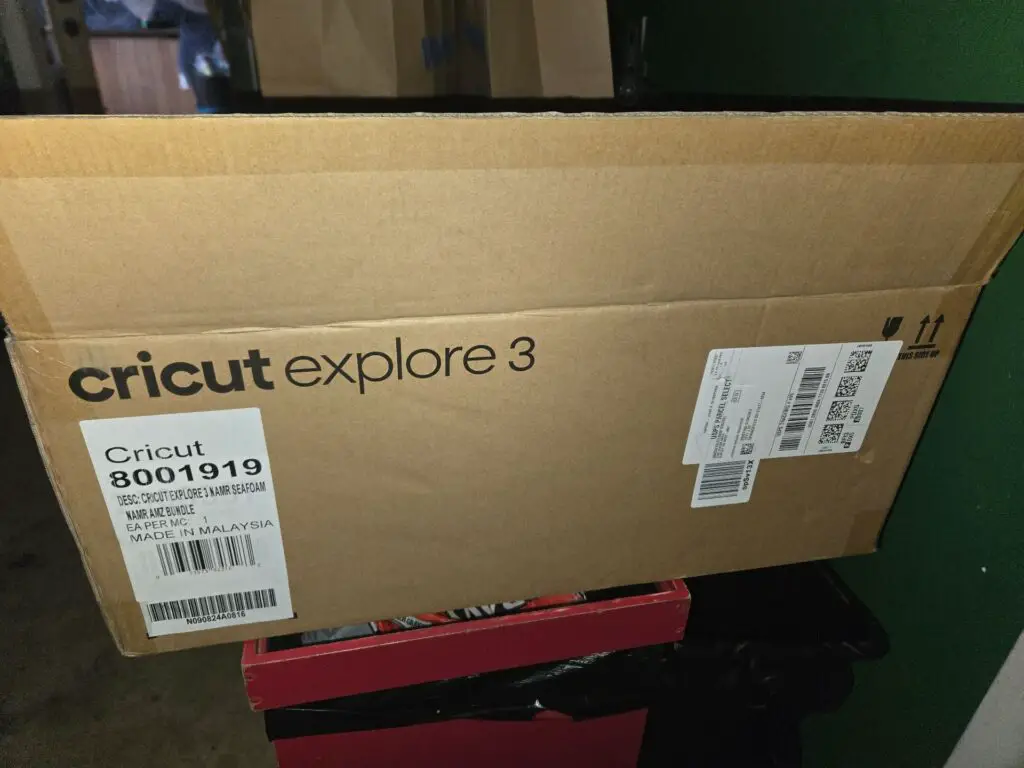
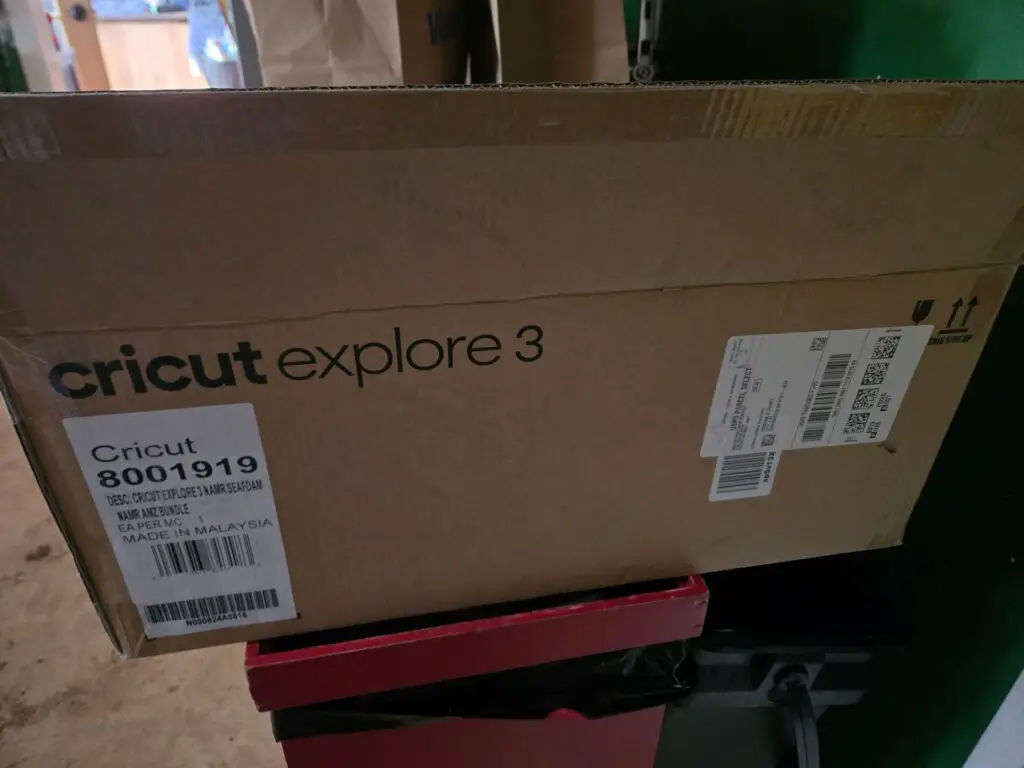
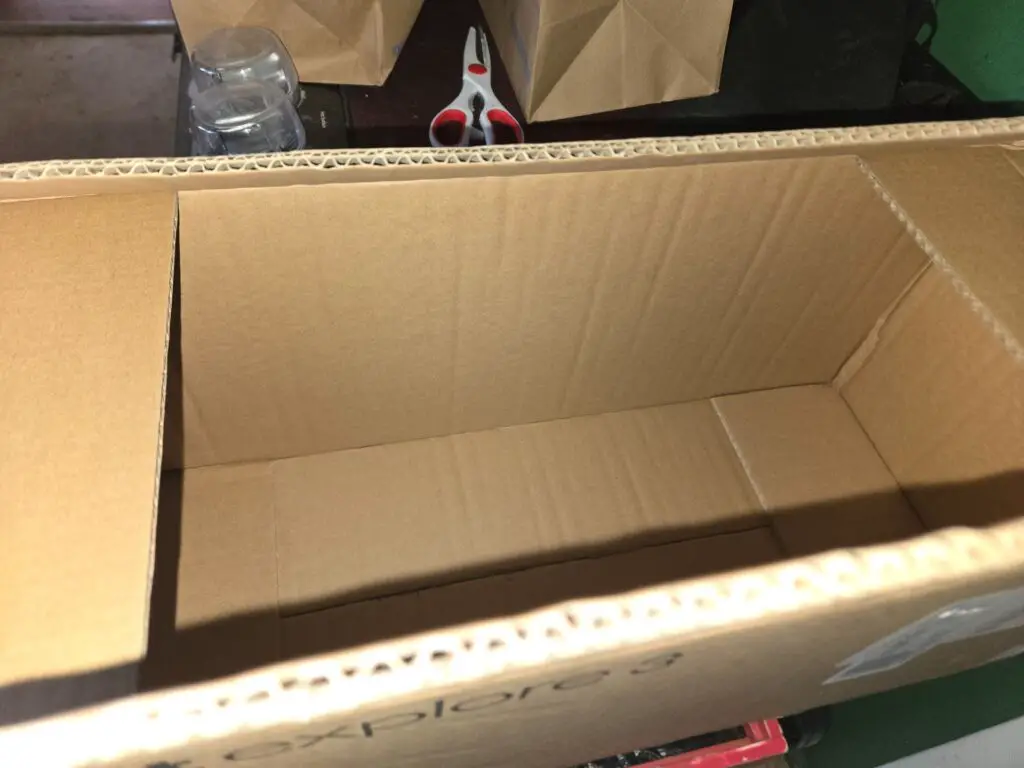
Photograph the shipping box, address label, seals, packing materials, product packaging, and everything received. Keep the packaging while Amazon reviews the complaint. Explain whether the box appeared damaged, opened, resealed, or unusually light.
Wrong, Damaged, Used, or Incomplete Amazon Orders
Open the affected order and choose the available return, replacement, refund, troubleshooting, or product-support option.
Keep:
- The original shipping box and product packaging
- The shipping label and tracking details
- The product name, seller, serial number, size, and model
- Photographs of damage or incorrect contents
- All accessories, manuals, and components received
- The original product listing and order confirmation
Confirm whether the product was sold by Amazon, sold by a third-party seller and fulfilled by Amazon, or sold and shipped directly by a Marketplace seller. The seller and fulfillment arrangement can affect the available return and escalation options.
Amazon Returns and Refunds
Return eligibility and refund timing vary by product, seller, condition, purchase date, return reason, payment method, and available return option.
How to Start an Amazon Return
- Open Your Orders.
- Select the affected product.
- Choose the available return or replacement option.
- Select the reason for the return.
- Choose an available return and refund method.
- Save the return authorization, QR code, or shipping label.
- Obtain a drop-off or carrier receipt.
- Keep the receipt and tracking information until the refund is complete.
Available return locations and methods vary by product and location. Use only an option displayed for the specific order.
Amazon Refund Promised but Not Received
- Check the refund status in Your Orders.
- Confirm the payment method selected for the refund.
- Review the Amazon gift-card balance and account credits.
- Check whether the refund was issued to another payment method.
- Review return tracking and the drop-off receipt.
- Ask Amazon for the date the refund was processed.
- Ask for a case or refund reference number.
- Contact the bank or card issuer if Amazon confirms that the refund was transmitted but it has not appeared.
If the original card has been replaced or closed, the issuing financial institution may still be able to route the credit to the replacement account.
Amazon Marketplace and Third-Party Seller Complaints
Amazon Marketplace orders can be sold and fulfilled by Amazon, sold by a third party and fulfilled by Amazon, or sold and shipped directly by a third-party seller.
Marketplace complaints may involve:
- An item that was not shipped or delivered
- A counterfeit, used, or misrepresented product
- A product that differs materially from its listing
- A seller who does not respond
- A return address outside the expected country
- An unexpected restocking or return charge
- A seller requesting payment outside Amazon
- A missing seller-issued refund
- A defective, recalled, or unsafe product
Contact the seller through the affected order so the communication remains documented in Amazon’s Buyer-Seller Messaging system. Do not move the transaction to private email, text messaging, wire transfer, cryptocurrency, or another payment platform.
Amazon A-to-z Guarantee Claims
The Amazon A-to-z Guarantee may protect eligible purchases from third-party sellers when an item does not arrive, is damaged or defective, differs materially from the listing, or an eligible refund is not provided.
Amazon generally requires the customer to contact the seller first and allow the applicable response period before requesting an A-to-z Guarantee refund.
- Open Your Orders.
- Locate the Marketplace order.
- Select the problem-with-order option.
- Choose the issue that best matches the complaint.
- Contact the seller when required.
- Select the option to request an A-to-z Guarantee refund when eligible.
- Provide accurate supporting information.
- Monitor the order page and account email for Amazon’s decision.
Review Amazon’s current A-to-z Guarantee requirements because eligibility and deadlines can vary.
Amazon Charges and Unrecognized Transactions
Amazon-related charges can appear under descriptions such as:
- AMZN MKTP US
- AMZN.COM/BILL WA
- Amazon Prime
- Amazon Digital
- Prime Video
- Amazon Marketplace
- Amazon Music
- Audible
- Kindle
- Amazon Channels
- Amazon Business
- B2B Prime
- Amazon Web Services
How to Investigate an Unknown Amazon Charge
- Compare the charge amount and date with Your Orders.
- Review digital orders, subscriptions, and memberships.
- Check Prime Video purchases and Channel subscriptions.
- Review Amazon Pay transactions.
- Check archived and canceled orders.
- Review Amazon Household or shared payment methods.
- Ask authorized card users about the charge.
- Search email for a matching Amazon receipt.
- Contact Amazon through the official app or website.
- Contact the bank or card issuer promptly if the transaction remains unauthorized.
Amazon may charge individual products as they ship, so one order can produce several statement entries. A temporary authorization may also differ from the final posted amount.
For a consolidated explanation of common descriptors, digital purchases, Prime charges, split shipments, authorizations, family purchases, and unauthorized transactions, see the Amazon Charges on Credit Card guide on ChargeOnMyCard.com.
Amazon Prime Membership Complaints
Prime complaints may involve:
- An unexpected monthly or annual renewal
- A free trial converting to a paid membership
- A membership started during checkout
- Difficulty canceling or confirming cancellation
- Duplicate Prime memberships on different accounts
- A charge after a requested cancellation
- Prime benefits not applying to an order
- Confusion between Prime and Prime Video Channels
How to Cancel Amazon Prime
- Sign in to the Amazon account connected to the membership.
- Open Prime Membership settings.
- Select Manage Membership.
- Choose the option to update, cancel, or end the membership.
- Continue through all confirmation screens.
- Save the cancellation confirmation and effective date.
Deleting the Amazon app or removing a payment card does not by itself cancel Prime. Refund eligibility depends on the timing of cancellation, benefit use, payment arrangement, and current Prime terms.
Amazon Prime Settlement Refunds in 2026
The Federal Trade Commission says Amazon began sending claim notices in January 2026 to eligible Prime customers who did not receive an automatic refund in November or December 2025. Under the settlement, eligible customers may receive Prime subscription-fee refunds of up to $51. The FTC says claims-process payments are expected in late 2026, but a specific mailing date had not been announced as of this page update.
Prime Video and Amazon Digital Services
Prime Video, Kindle, Audible, Amazon Music, Appstore, and other digital complaints may involve accidental purchases, rentals, recurring subscriptions, duplicate charges, playback problems, child or household purchases, and free trials that converted to paid service.
Review each of the following separately:
- Digital Orders
- Prime Video purchases and rentals
- Prime Video Channel subscriptions
- Amazon Music subscriptions
- Audible memberships
- Kindle purchases
- Appstore transactions
- Memberships and Subscriptions
Canceling the main Prime membership does not necessarily cancel every Prime Video Channel or third-party subscription.
Amazon Account Access and Security
Account problems may involve a forgotten password, outdated phone number, failed two-step verification, account hold, identity-verification request, unauthorized password change, unfamiliar order, unknown address, or closed account.
If unauthorized access is suspected:
- Change the Amazon password from a trusted device.
- Secure the email account connected to Amazon.
- Review saved addresses and payment methods.
- Check orders, archived orders, digital purchases, memberships, and subscriptions.
- Update two-step verification or passkey settings.
- Sign out of unfamiliar devices.
- Contact Amazon Customer Service.
- Notify the payment provider if financial information may have been compromised.
Upload identification documents only through Amazon’s official account-recovery process. Do not send identification to an unexpected caller or email address.
Amazon Scams, Fake Calls, and Phishing Messages
Amazon impersonation scams commonly claim that:
- An expensive order was placed
- An Amazon Prime membership renewed
- The account has been suspended or hacked
- A refund is waiting
- A package cannot be delivered
- The customer must call immediately
- Remote access to a computer or phone is required
- Gift cards or cryptocurrency must be purchased
- Money must be moved to a “safe” account
Do not call the number or click the link in an unexpected message. Open the Amazon app or type Amazon.com directly into the browser. Check Your Orders and Amazon Message Center before taking action.
Suspicious communications can be reported through Amazon’s Report a Scam page or forwarded as an attachment to reportascam@amazon.com.
Fake Amazon verification-code messages often try to create urgency and persuade the recipient to call a number, click a link, reveal a one-time code, or move money. The Amazon code text scam warning on ThinkItsAScam.com explains how to check these messages without using the contact details in the text.
Amazon Gift Cards and Gift-Card Scams
Gift-card complaints may involve an unreadable claim code, card that was not activated, balance applied to the wrong account, card already redeemed, missing balance, or gift card purchased because of a scam.
Keep the purchase receipt, activation receipt, packaging, and card information private. Never post or send the complete claim code to an unknown person.
Amazon gift cards should not be used to pay taxes, fines, utility bills, bail, technical-support companies, government agencies, romantic interests, employers, or strangers claiming that an emergency has occurred.
Amazon Seller Central Support
Seller Central support is separate from ordinary retail customer service. Amazon does not publish one general inbound Seller Central telephone number for all sellers.
Sellers should sign in to Seller Central and use its Help or Contact Us system for:
- Account suspension or deactivation
- Identity and business verification
- Listing or catalog problems
- Brand Registry
- Fulfillment by Amazon inventory
- Payments, reserves, and reimbursements
- Account Health
- Returns and customer claims
- Intellectual-property complaints
- Product-safety or restricted-product matters
Keep every Seller Support case identification number and open a clearly defined case for each separate issue. The retail customer-service number is not the direct Seller Central support line.
Amazon Business Customer Service
Amazon Business provides organizational purchasing accounts, Business Prime, approval workflows, purchasing controls, invoicing, tax-exemption tools, analytics, and multi-user account features.
Amazon Business customers should use the signed-in Business Customer Service system for Business Prime charges, invoices, orders, returns, account verification, tax-exemption status, purchasing permissions, and user-management problems.
Amazon Web Services Support
AWS support is separate from Amazon retail customer service. AWS customers should sign in to the AWS Support Center for account, billing, technical, security, Marketplace, or service assistance.
Unexpected AWS charges can continue when billable instances, storage, databases, addresses, subscriptions, or other resources remain active. Stopping use of an application does not necessarily terminate the underlying AWS resources.
Amazon Careers, Employees, HR, and Payroll
Job applicants should use Amazon Jobs or the candidate-support options associated with their application. Amazon Customer Service representatives generally cannot access employment applications.
Current employees should use their established Amazon A to Z, MyHR, manager, local human-resources, payroll, benefits, or employee-support channels. Former employees should use the contact information provided in separation, benefits, payroll, or tax-document correspondence.
Amazon does not prominently publish one universal public HR or payroll telephone number for every employee, subsidiary, facility, and country. Do not post employee identification numbers, Social Security numbers, tax forms, payroll documents, disciplinary records, medical information, or workplace-investigation details publicly.
Product Safety, Recalls, and Accessibility
For a product that appears unsafe, overheats, emits smoke, causes an injury, or may be recalled, stop using it when safe to do so. Review the product listing, order notices, manufacturer information, and applicable government recall resources. Report the concern through the affected Amazon order and retain photographs, model numbers, serial numbers, and packaging.
Customers who need assistance because of a disability can use Amazon’s official Accessibility Support page.
Amazon Privacy Requests
Privacy questions involving Amazon shopping, Alexa, Ring, AWS, advertising, healthcare, or another service may be governed by separate notices and request procedures. Review the privacy notice linked from the specific Amazon service involved and use its official privacy-request process.
Do not send identification, account credentials, or sensitive records to an address found in an unsolicited message or unofficial search result.
About Amazon
Jeff Bezos founded Amazon in 1994. The company began selling books online in 1995 and later expanded into online retail, third-party Marketplace services, fulfillment, cloud computing, advertising, devices, subscriptions, entertainment, groceries, healthcare, logistics, and artificial intelligence.
- Founded: 1994
- Founder: Jeff Bezos
- Online Store Launched: 1995
- Publicly Traded Since: 1997
- Principal Executive Offices: Seattle, Washington
- President and CEO: Andy Jassy
- Executive Chair: Jeff Bezos
- CEO of Worldwide Amazon Stores: Doug Herrington
- CEO of Amazon Web Services: Matt Garman
- Employees at December 31, 2025: Approximately 1,576,000 full- and part-time employees
- 2025 Net Sales: Approximately $716.9 billion
- Business Type: Publicly traded technology, retail, logistics, entertainment, advertising, and cloud-services company
- Stock Symbol: Nasdaq: AMZN
- Reportable Segments: North America, International, and AWS
Who Owns Amazon?
Amazon.com, Inc. is a publicly traded company owned by individual and institutional shareholders. It does not have an outside parent company.
No single person owns the entire company. Jeff Bezos remains a significant shareholder and serves as executive chair, while Amazon is managed by its executive officers and overseen by its board of directors.
Amazon Businesses and Services
- Amazon.com online retail
- Amazon Marketplace
- Fulfillment by Amazon
- Amazon Prime
- Prime Video
- Amazon Music
- Audible
- Kindle
- Fire TV and Fire tablets
- Echo and Alexa
- Amazon Web Services
- Amazon Advertising
- Whole Foods Market
- Amazon Fresh
- Amazon Pharmacy
- Amazon Business
- Amazon Pay
- Amazon Logistics
- Amazon MGM Studios
- Ring
- Blink
- Zoox
- Amazon Leo
Customer-support routes, policies, billing systems, account requirements, and complaint procedures differ among these businesses. Select the exact Amazon service involved before requesting help.
Amazon Reviews, Complaints, and Customer Feedback
As of July 30, 2026, this CorporateOfficeHeadquarters.com page displays five visible consumer reviews dated May 14, 2025, through May 29, 2025.
The visible reviews describe:
- An empty package and disputed refund
- Older merchandise returns that a customer said were never refunded
- A Subscribe & Save reorder made at a higher price after a promised credit
- Orders experiencing repeated delays before disappearing from tracking
- A credit-card refund that a customer said was promised but never received
- Representatives providing inconsistent information
- Difficulty reaching supervisors or obtaining escalation
- Some missing orders for which refunds were issued without difficulty
These reviews represent individual consumer experiences and do not establish the experience of every Amazon shopper, Prime member, Marketplace seller, employee, AWS customer, or digital-service subscriber. No aggregate star rating is stated here.
For additional consumer experiences, visit Amazon reviews and complaints on ZeroStars. For a support-focused guide, current contact routes, and another place to leave a service review, see Amazon Customer Service on CustomerServiceNumbers.com.
Amazon Competitors and Related Corporate Office Pages
Amazon competes across online retail, physical retail, groceries, cloud computing, advertising, entertainment, logistics, devices, subscriptions, healthcare, and artificial intelligence.
- Walmart Corporate Office
- Target Corporate Office
- Costco Corporate Office
- Best Buy Corporate Office
- Home Depot Corporate Office
- Apple Corporate Office
- Google Corporate Office
Browse more companies through the Corporate Office Headquarters by Industry directory.
Additional Amazon Consumer Resources
- Amazon Customer Service Phone Number, Live Help, Reviews and Complaints
- Amazon Reviews and Complaints on ZeroStars
- Amazon Charges on Credit Card: Descriptor Guide
- Amazon Code Text Scam Warning
- AMZN MKTP US Charge on a Credit Card or Bank Statement
- AMZN.COM/BILL WA Charge on a Credit Card
- Prime Video 888-802-3080 Charge
- B2B Prime Charge on a Credit Card
Official Amazon Resources
- Contact Amazon Customer Service
- Amazon Orders
- Amazon Returns Center
- Amazon Return and Refund Help
- Amazon A-to-z Guarantee
- Amazon Account and Sign-In Help
- Manage Amazon Prime
- Report an Amazon Scam
- Amazon Payments Complaint Information
- Amazon Seller Central Support
- AWS Support Center
- Amazon Jobs
- Amazon Investor Relations
- Amazon 2025 Form 10-K
- Amazon HQ2 in Arlington
- FTC Amazon Prime Refund Information
Frequently Asked Questions About Amazon
What is Amazon’s corporate address?
Amazon.com, Inc.’s principal executive offices are located at 410 Terry Avenue North, Seattle, WA 98109-5210.
What is Amazon’s corporate phone number?
Amazon’s corporate headquarters phone number is 1-206-266-1000.
What is the Amazon corporate office number in the USA?
The Amazon corporate office number in the United States is 1-206-266-1000. This is the headquarters number, not the regular customer-service line.
Is Amazon’s Seattle office still its principal corporate address?
Yes. Amazon’s current SEC filing identifies 410 Terry Avenue North, Seattle, WA 98109-5210 as the address of its principal executive offices. Amazon also operates HQ2 in Arlington, Virginia.
Is the Amazon corporate number a customer-service line?
No. The corporate number is associated with Amazon’s principal executive offices. Customers with orders, returns, refunds, Prime memberships, charges, or account problems should normally contact Amazon Customer Service.
What is Amazon’s customer-service number?
Amazon Customer Service can be reached at 1-888-280-4331.
Is Amazon customer service available 24 hours?
Amazon provides 24/7 help through its Customer Service system, including self-service, phone, chat, and other account-specific options.
What is Amazon’s corporate email address?
Amazon does not prominently publish one general corporate email address for ordinary consumer complaints. Customers should use the signed-in Customer Service system. The address reportascam@amazon.com is only for suspicious communications.
Is 1-800-201-7575 Amazon’s current customer-service number?
The number 1-800-201-7575 appears in older Amazon contact directories, but it is not the number prominently published on Amazon’s current U.S. Customer Service page. Use 1-888-280-4331 or request contact through the signed-in Amazon Customer Service system.
What is Amazon Payments’ complaint number and address?
For a complaint specifically involving an Amazon Payments account, Amazon publishes 1-866-216-1075 and Amazon Payments, Inc., P.O. Box 81226, Seattle, WA 98108. Amazon says not to send payments or merchandise returns to that address.
How do I file a complaint with Amazon corporate?
Begin with Amazon Customer Service, request a case number, and ask for a supervisor or specialist when necessary. A concise unresolved complaint may be mailed to Amazon.com, Inc., 410 Terry Avenue North, Seattle, WA 98109-5210.
Can I return an Amazon order to corporate headquarters?
No. Do not mail product returns to the Seattle corporate office. Start the return through Your Orders and use only the return method and destination provided for that specific product.
How do I report a missing Amazon package?
Open the affected order, review tracking and delivery photographs, check nearby delivery locations, and select the package-support option displayed for the order.
How do I report an empty Amazon package?
Photograph the box, address label, seals, packing materials, and contents. Contact Amazon through the affected order and retain all packaging while the complaint is reviewed.
How do I check an Amazon refund?
Open Your Orders, select the returned or refunded item, and review the refund status, destination, return tracking, and expected processing information.
How do I contact an Amazon Marketplace seller?
Open Your Orders, select the Marketplace order, and use the contact-seller or problem-with-order option. Keep all communication within Amazon.
What is the Amazon A-to-z Guarantee?
The A-to-z Guarantee may protect eligible purchases from third-party sellers when a covered delivery, product, return, or refund problem is not resolved.
How do I identify an Amazon charge?
Compare the charge with physical orders, archived orders, Prime membership, digital orders, subscriptions, Prime Video Channels, Audible, Kindle, Amazon Pay, Amazon Business, and purchases made by other authorized users.
How do I report an unauthorized Amazon charge?
Secure the Amazon account, contact Amazon through the official app or website, and notify the bank or card issuer promptly if the charge remains unauthorized.
How do I cancel Amazon Prime?
Open Prime Membership settings, select Manage Membership, and complete every cancellation screen until Amazon confirms the effective date.
How do I verify an Amazon Prime settlement refund?
Use the official FTC Amazon refunds page or the settlement instructions in a verified claim notice. The FTC says consumers should not pay a fee to receive an Amazon settlement refund and that it is not calling people about these refunds.
Who is Amazon’s CEO?
Andy Jassy is president and chief executive officer of Amazon.com, Inc.
What is Jeff Bezos’s current role?
Jeff Bezos is Amazon’s founder and executive chair.
Who owns Amazon?
Amazon is publicly traded and owned by its shareholders. Its common stock trades on Nasdaq under the symbol AMZN.
Does Amazon have a parent company?
No outside parent company owns Amazon.com, Inc. Amazon itself owns and controls numerous subsidiaries and businesses.
How many people work for Amazon?
Amazon reported approximately 1,576,000 full- and part-time employees as of December 31, 2025.
How do I contact Amazon Seller Central?
Sign in to Seller Central and use its Help or Contact Us system. The retail customer-service number is not the direct Seller Central support line.
How do I contact AWS?
Sign in to the AWS Support Center for AWS account, billing, technical, security, or service assistance.
How do I apply for a job at Amazon?
Visit Amazon Jobs or the Amazon hiring website and use the candidate-support options associated with the application.
Why Trust CorporateOfficeHeadquarters.com?
CorporateOfficeHeadquarters.com has helped consumers locate corporate addresses, headquarters phone numbers, complaint information, and public review pages since 2004.
This page distinguishes Amazon’s SEC-reported principal executive office from customer-service, Amazon Payments, Seller Central, Amazon Business, AWS, employee, return, and scam-reporting routes. Corporate and company facts were checked against Amazon’s official resources, its current SEC filing, and current federal consumer information.
Corporate addresses, telephone numbers, executives, policies, support routes, and service availability can change. Confirm important information through Amazon before mailing correspondence, returning merchandise, sharing sensitive information, or relying on a deadline.
Page Update Note
This page was updated on August 31, 2026, to prioritize current search questions about Amazon’s corporate address, corporate phone number, corporate email, headquarters and complaint contacts; distinguish historical telephone numbers from current support; add Amazon Payments and HQ2 information; update Prime settlement-refund guidance; add issue-specific routing; center and link the image; and include current CSN, ZeroStars, ChargeOnMyCard and ThinkItsAScam resources.
Disclaimer
CorporateOfficeHeadquarters.com is an independent consumer information website and is not affiliated with, endorsed by, or operated by Amazon.com, Inc., Amazon.com Services LLC, Amazon Web Services, Amazon Prime, Amazon Marketplace, Whole Foods Market, Audible, any Marketplace seller, or any Amazon delivery contractor.
Amazon, Amazon Prime, AWS, Alexa, Kindle, Fire TV, Audible, Whole Foods Market, Prime Video, and related names and logos are trademarks of their respective owners.
Corporate information, telephone numbers, executives, membership terms, return policies, refund procedures, and support routes may change without notice. Confirm current information through Amazon’s official website.
Consumer reviews represent the experiences and opinions of individual visitors. Allegations in reviews have not necessarily been independently verified and should not be interpreted as establishing the experience of every customer.
Share Your Amazon Experience
Have you contacted Amazon Customer Service, reported a missing package, requested a refund, canceled Prime, disputed a charge, dealt with a Marketplace seller, recovered an account, or attempted to escalate a complaint? Share your experience below.
Consider mentioning the approximate date, service involved, support method used, whether Amazon opened a case, what resolution was promised, and whether the problem was resolved.
Privacy warning: Do not publish passwords, one-time verification codes, full order or tracking numbers, payment-card information, bank details, gift-card claim codes, account-recovery documents, government identification, employee records, home addresses, delivery photographs showing private property, or other sensitive personal information.